
Custom Word Puzzle Game for All Skill Levels
Is LOSER - A Word Game available for free?
Yes, LOSER - A Word Game is available at no cost on both iOS and Android platforms.
Can I play LOSER - A Word Game offline?
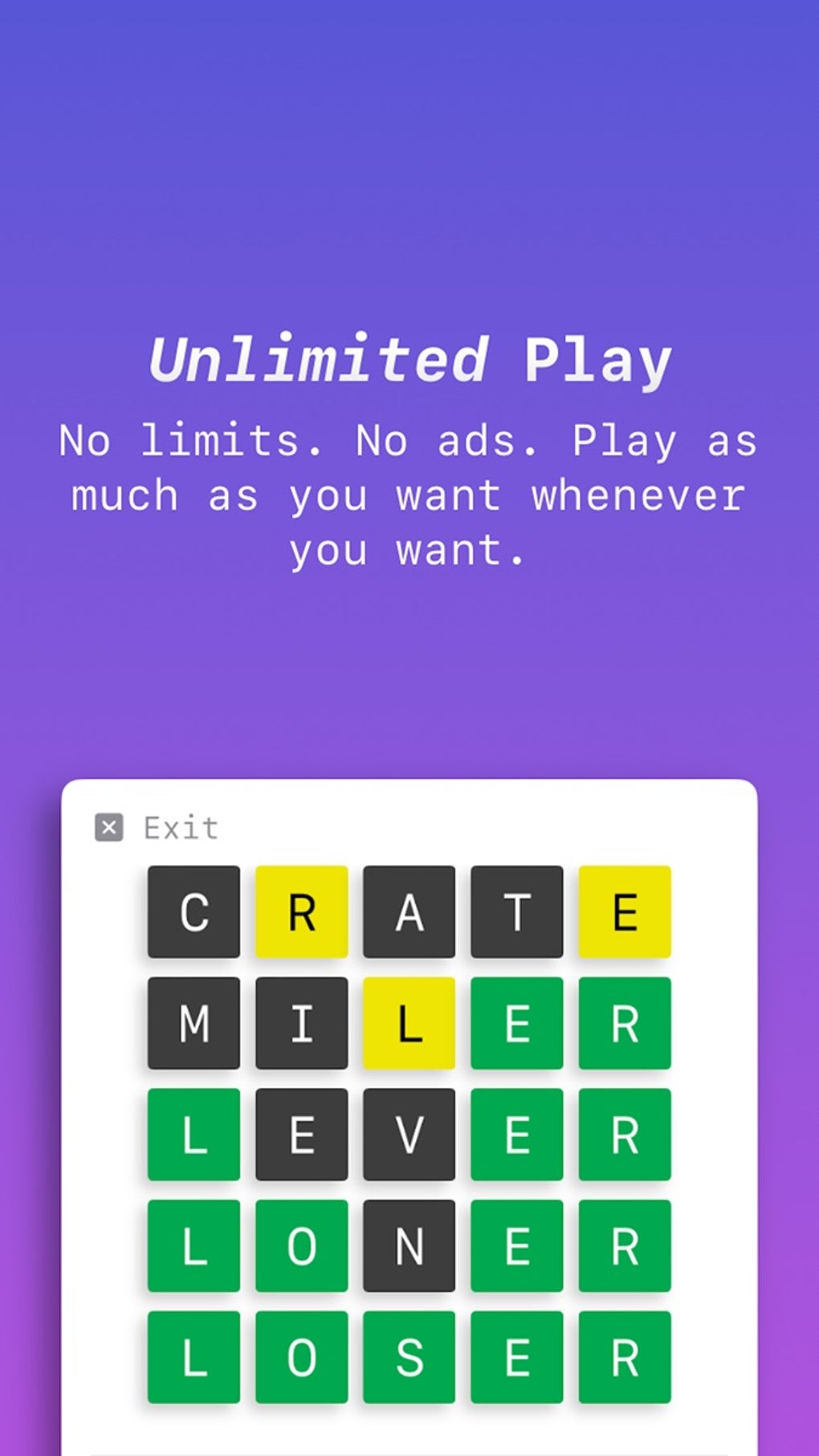
The game supports offline play, allowing users to enjoy puzzles without an internet connection.
Does LOSER - A Word Game offer cloud sync?
Yes, iCloud integration is available for iOS users, ensuring progress is saved across devices.
How often are updates released for LOSER - A Word Game?
Updates are released periodically to improve performance, fix bugs, and introduce new features.
What types of game modes are available in LOSER - A Word Game?
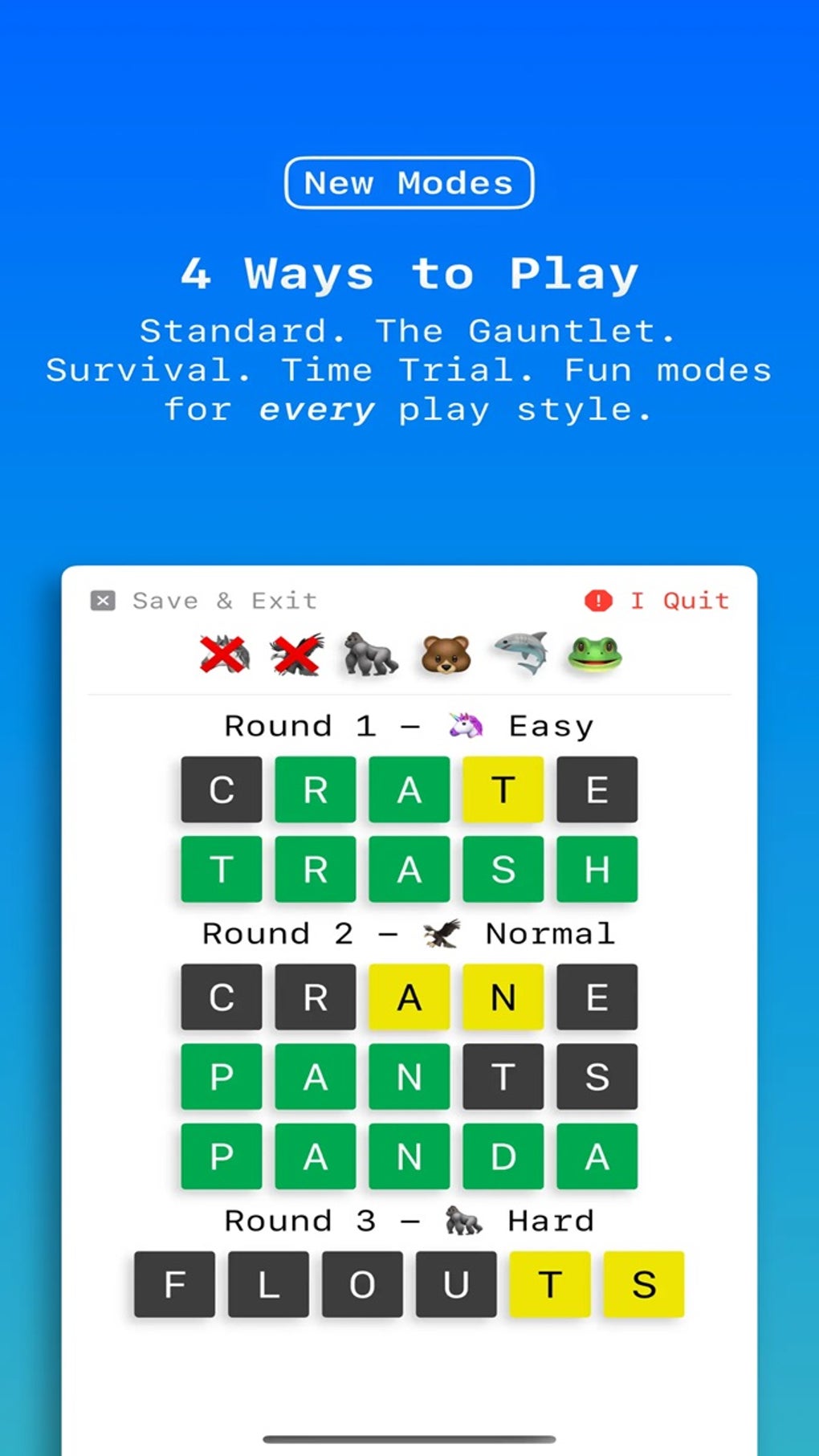
Four distinct game modes are available: Standard, The Gauntlet, Survival, and Time Trial.
Overview
LOSER - A Word Game is a mobile-based word puzzle application designed for players seeking engaging and customizable gameplay. Developed by Nino Lindo Development LLC, the software delivers a crossword-style experience with a clean, minimalist interface that prioritizes focus on puzzle-solving. The game caters to a broad audience, from casual players to experienced word enthusiasts, offering adjustable difficulty levels to suit various skill sets.
Its core purpose is to provide endless entertainment through word challenges, with a variety of modes and customization options that enhance replayability. Real-world usage includes daily puzzle sessions, competitive play via global leaderboards, and personal progress tracking. The game is optimized for mobile devices, making it ideal for on-the-go entertainment.
The developer did not provide additional system requirements or detailed information about platform-specific limitations. Performance observations are based on general software behavior patterns.
Key Features & Capabilities
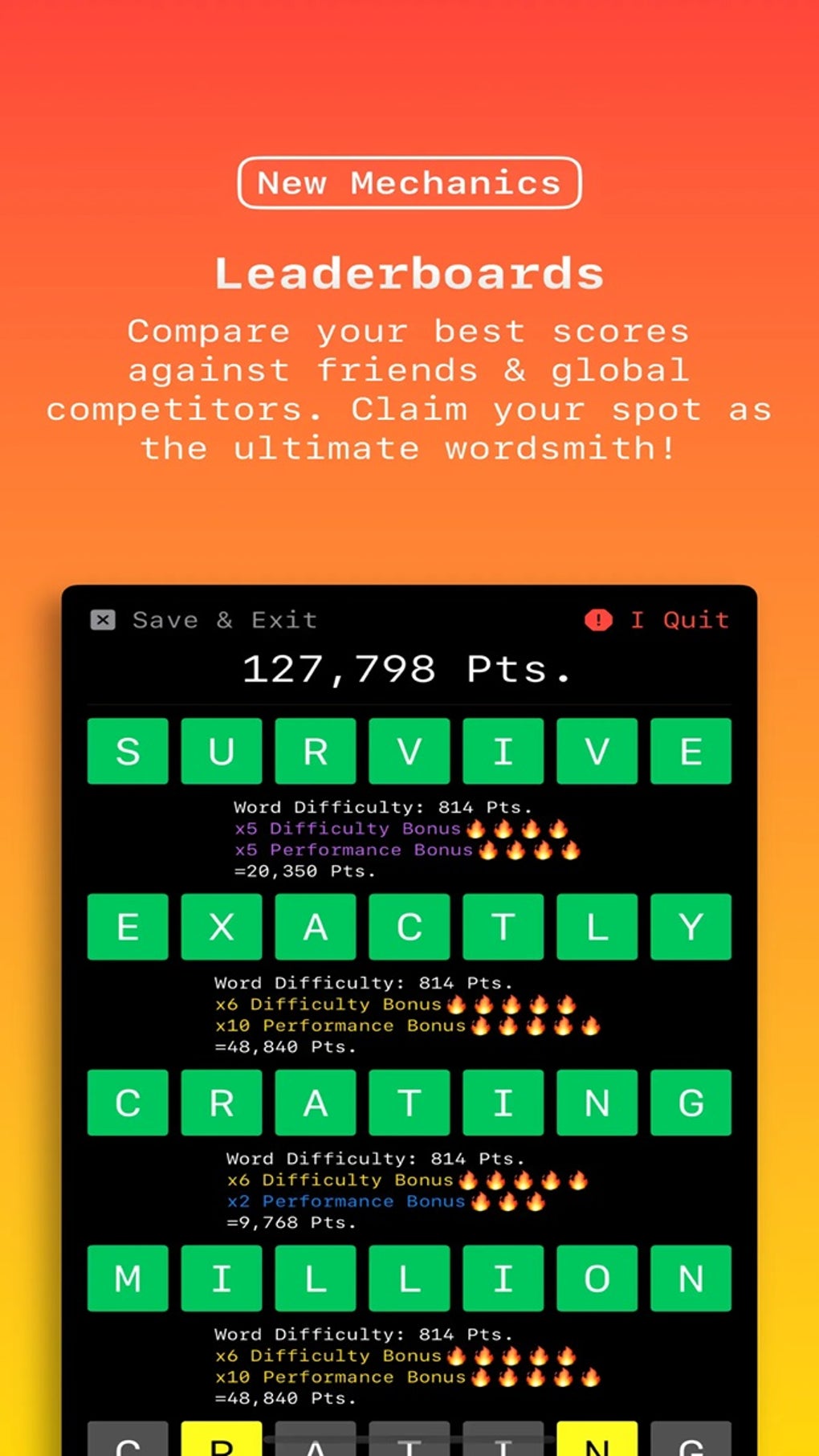
- Multiple Game Modes: Players can choose from four distinct modes—Standard, The Gauntlet, Survival, and Time Trial—each offering a unique challenge. Standard mode allows for adjustable difficulty, while The Gauntlet demands flawless performance. Survival mode provides an endless challenge with point accumulation, and Time Trial tests speed and accuracy under pressure.
- Customizable Puzzle Experience: Users can tailor gameplay by selecting puzzle lengths of five, six, or seven letters, allowing for greater personalization based on skill level or preference.
- Progress Tracking & Statistics: A comprehensive statistics report enables players to review their performance, track the words they’ve created, and monitor overall improvement over time.
- Global Leaderboards & Achievements: Competitive features include online leaderboards for score comparison and 15 unlockable achievements that encourage continued engagement.
- Cloud Integration: iCloud support ensures that progress is preserved across devices, minimizing data loss when switching between iOS devices.
User Interface, Workflow & Performance
The user interface of LOSER - A Word Game follows a minimalist design philosophy, reducing visual clutter to enhance focus on the core gameplay. Navigation is intuitive, with clear menus and consistent layout across all game modes. The workflow is streamlined, allowing users to quickly start a game, adjust settings, and access statistics.
The developer did not specify resource usage details, so performance behavior in terms of CPU or RAM consumption remains unknown. Stability is assumed to be adequate for a mobile application of this nature, though no formal testing data was provided. General software behavior suggests smooth operation on supported devices, but actual performance may vary based on device hardware and system load.
The application is designed for touch-based interaction, with responsive controls suitable for mobile use.
Compatibility & System Requirements
LOSER - A Word Game is available for iOS and Android platforms, supporting a wide range of mobile devices. The software version is 1.0.5, with an installation size of 128 MB. Exact system requirements were not listed, so compatibility with specific devices or hardware configurations cannot be confirmed.
The developer did not provide detailed information about minimum processor speed, RAM, or storage requirements. Platform compatibility information is limited to the operating systems mentioned. Users are advised to ensure their device meets the standard requirements for running modern mobile applications.
Pros and Cons
Pros
- Multiple game modes for varied gameplay experiences
- Customizable puzzle length and difficulty
- Offline play available for uninterrupted gaming
- Cloud sync via iCloud for iOS users
- Comprehensive progress tracking and statistics
Cons
- Limited information on system requirements
- Only iCloud integration for cloud backup (Android users may lack equivalent sync)
- May be challenging for absolute beginners without guidance
- No indication of cross-platform cloud sync between iOS and Android
- Performance metrics not publicly disclosed
Final Thoughts
LOSER - A Word Game stands out as a well-rounded mobile word puzzle experience with a strong emphasis on customization and replayability. Its clean interface, diverse game modes, and thoughtful features like statistics and achievements make it a compelling choice for fans of crossword-style games. The inclusion of offline play and iCloud integration enhances usability across devices.
While some details like system requirements and cross-platform sync are not clearly defined, the overall experience remains solid and accessible. The game is particularly well-suited for players who value flexibility and long-term engagement. With its free availability and robust feature set, it delivers strong value.
Download LOSER - A Word Game now.







